

Google Chrome
 Download Google Chrome through Appnomo.com is Safe and Free..
Discover the good Apps to customize your Android and provide safe APK to download.
Download Google Chrome through Appnomo.com is Safe and Free..
Discover the good Apps to customize your Android and provide safe APK to download.
- Category: Communication
- Updated: Oct 29, 2025
- Size: 338.3 MB
- Requirements: Varies with device
- Developers: Google LLC
The Description of Google Chrome
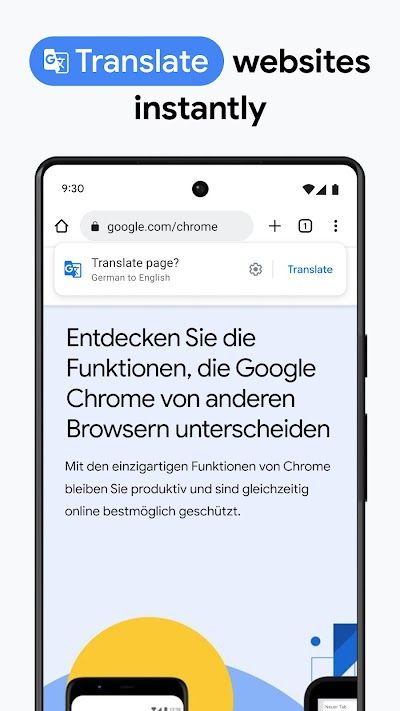
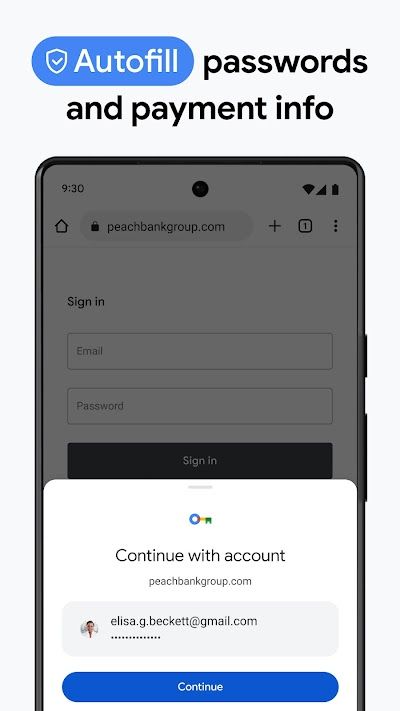
Google Chrome is a cross-platform browser application launched by Google for mobile users. It inherits the core principles of the desktop version of Chrome: fast, simple, synchronized, and secure. Through mobile device interaction optimization and cloud synchronization, users can enjoy a highly consistent browsing experience on their phone or tablet. As one of the most downloaded browsers globally, Google Chrome is not only a basic web browsing tool but also a vital gateway for many users to access information, work online, and connect across the cross-device ecosystem. It synchronizes user history, bookmarks, passwords, and extension settings to the cloud through an account system, enabling a convenient one-stop login, multiple-device experience.
Screenshot
App Store Performance
Google Chrome consistently maintains a rating of over 4.5, ranks among the top browsers in terms of downloads, and boasts a wide user base. Frequently mentioned keywords in user reviews include easy synchronization, clear interface, fast speed, and suitable for multi-device use.
Features
In terms of features, Google Chrome's most iconic feature is its multi-device synchronization mechanism, which is linked to a Google account. Users can simply log in to their accounts and continue browsing web pages on their mobile devices. They can even access websites opened on other devices directly from their recently opened tabs, significantly improving cross-device productivity. This feature is particularly useful for users who need to switch between devices in different scenarios, such as continuing to browse a webpage they left unfinished on their computer the night before while commuting.
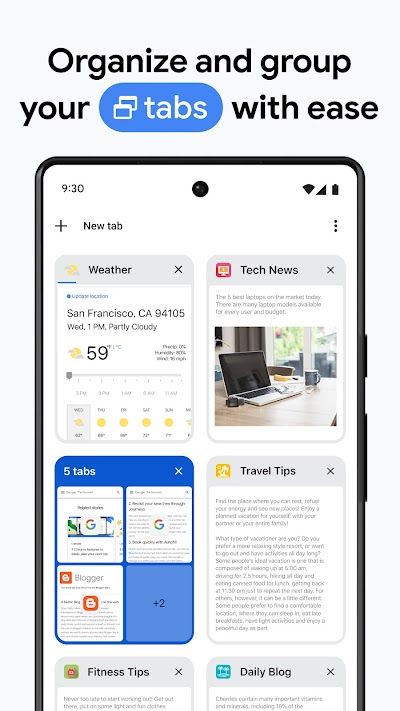
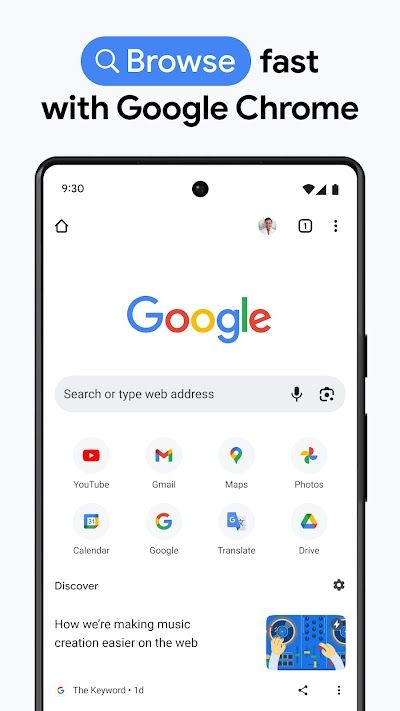
Secondly, Google Chrome's multi-tab management system is streamlined and efficient, supporting card-style tab browsing, allowing users to quickly swipe left or right to switch between webpages. In some versions, tab grouping is also supported, helping users organize webpages on the same topic together, perfect for research, reading, or cross-topic browsing. Google Chrome features an intelligent design for the address bar, combining the search box and address bar into a unified input field. Users can enter keywords or URLs directly without switching modes, and the system automatically recognizes their intent and quickly loads the page.
Pros And Cons
Pros
Google Chrome's first significant advantage is its strong cross-platform syncing capabilities, allowing users to seamlessly connect across devices. Second, its browsing speed and page rendering performance surpass those of many similar apps, especially when handling script-heavy websites. Third, its clean interface, with few redundant elements, allows users to focus on the content rather than the interface itself. Fourth, Google Chrome boasts robust security protections and rapid vulnerability patching, boosting user confidence. Fifth, as part of the Google ecosystem, Google Chrome naturally integrates with multiple online services, maximizing the value of a Google account.
Cons
First, its resource usage has long been criticized by users. Due to its multi-process architecture, each tab and background service consumes a certain amount of memory, causing lag on less powerful phones after extended use. Second, while Google Chrome supports a private mode, browsing data is still synced with the account's cloud by default. This isn't ideal for users who prioritize privacy, requiring manual adjustments to reduce data uploads. Furthermore, Google Chrome's customization is limited. Compared to some browsers that support plug-in extensions or interface customization, Google Chrome offers a more unified experience, with fewer user-adjustable interface parameters.
Reviews
Overall, Google Chrome is a mobile browser that excels in performance, cross-platform experience, security mechanisms, and ecosystem integration. Its simple design and efficient core have made it the default web browser for many users. While it still has some shortcomings in terms of resource usage, privacy mode, and user customization, these issues haven't affected its market position as a mainstream browser. For users who seek efficient web browsing, prioritize multi-device collaboration, and rely on Google services, Google Chrome is a highly reliable and long-term browser choice.


Ratings and Reviews
 Write a Review
Download Leaderboard