

Opera browser with AI
 Download Opera browser with AI through Appnomo.com is Safe and Free..
Discover the good Apps to customize your Android and provide safe APK to download.
Download Opera browser with AI through Appnomo.com is Safe and Free..
Discover the good Apps to customize your Android and provide safe APK to download.
- Category: Communication
- Updated: Jul 4, 2024
- Size: 78.6 MB
- Requirements: Varies with device
- Developers: Opera
The Description of Opera browser with AI
Opera has transformed from a traditional web browser into an AI-powered browsing hub, integrating artificial intelligence directly into the user experience. Unlike standalone chatbots, Opera’s AI is designed to understand real-time browsing context, including open tabs and page content. The company recently rebuilt its browser AI from the ground up, replacing the previous Aria assistant with a more advanced, agentic system available across Opera One, Opera GX, and Opera Air.
Screenshot
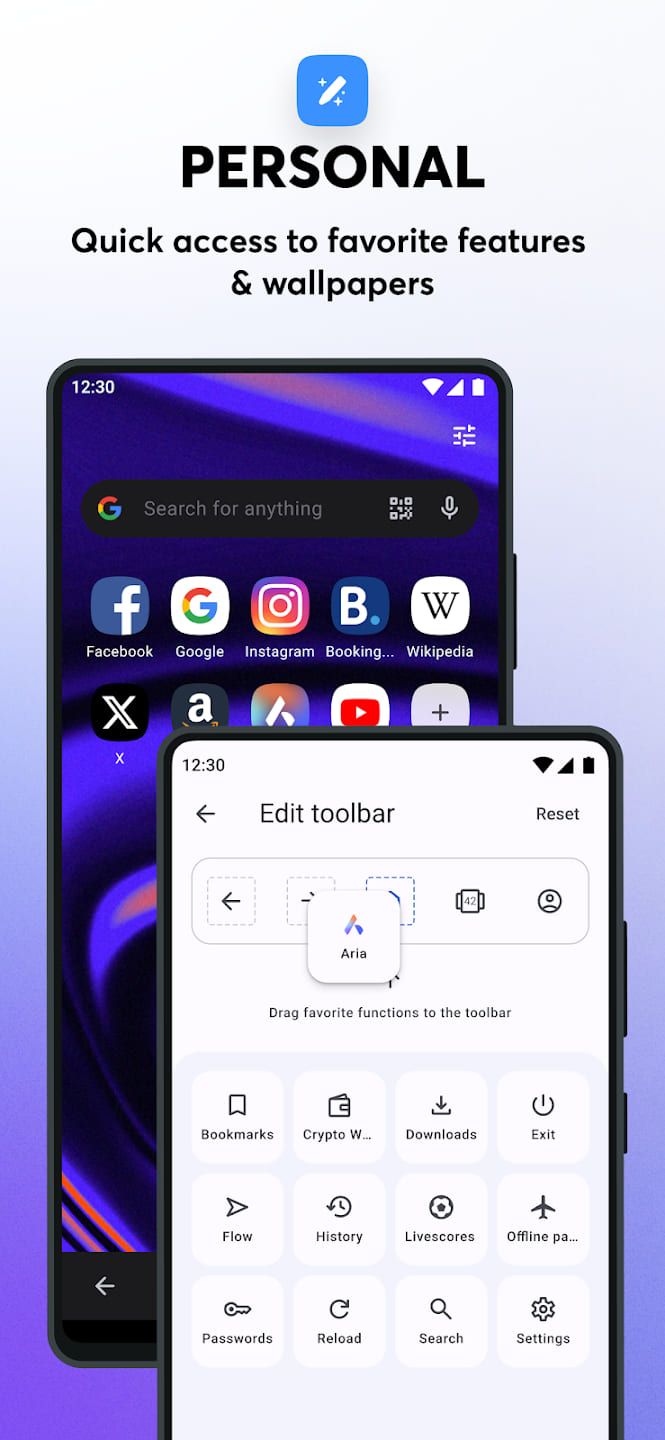
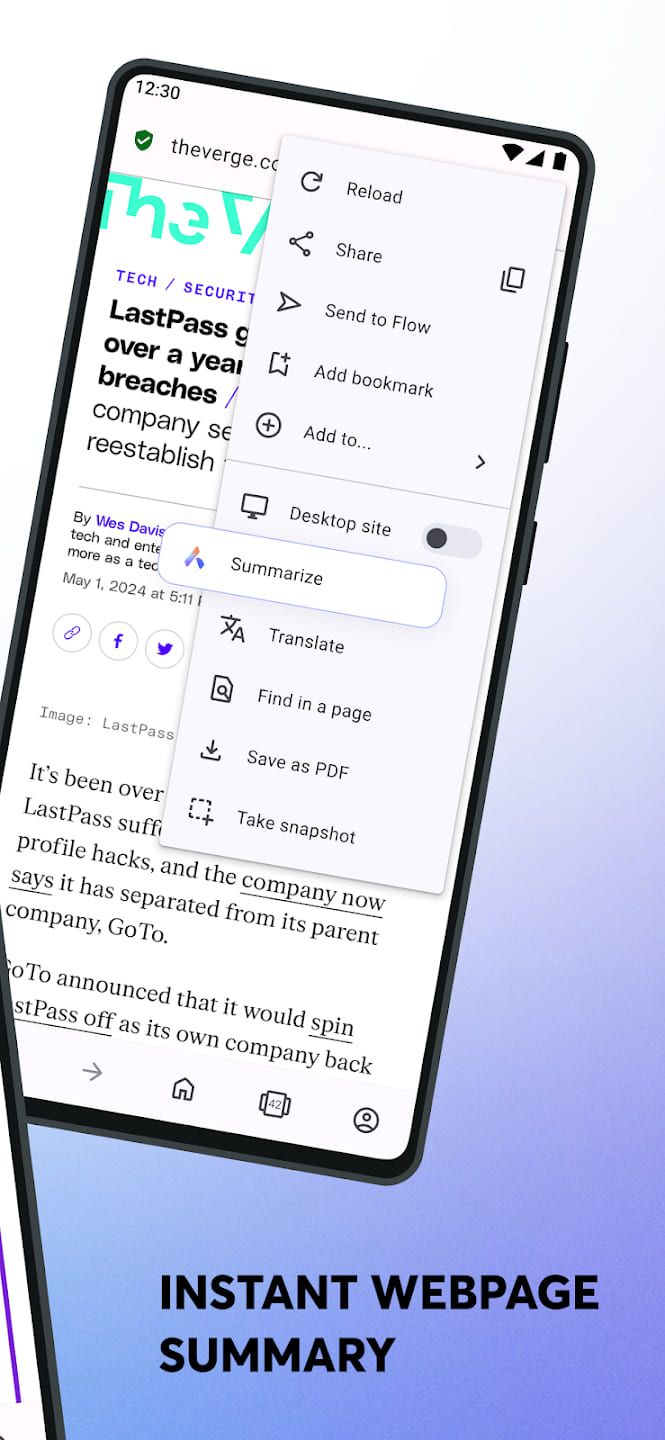
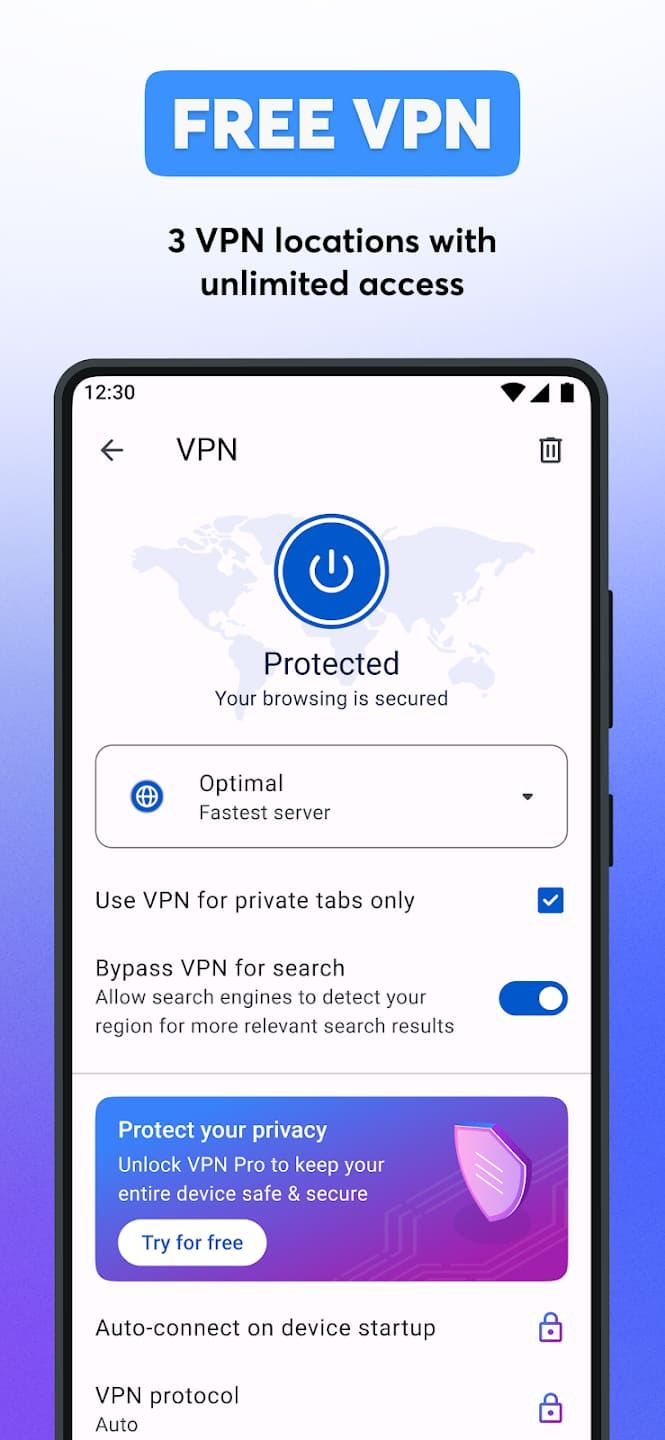
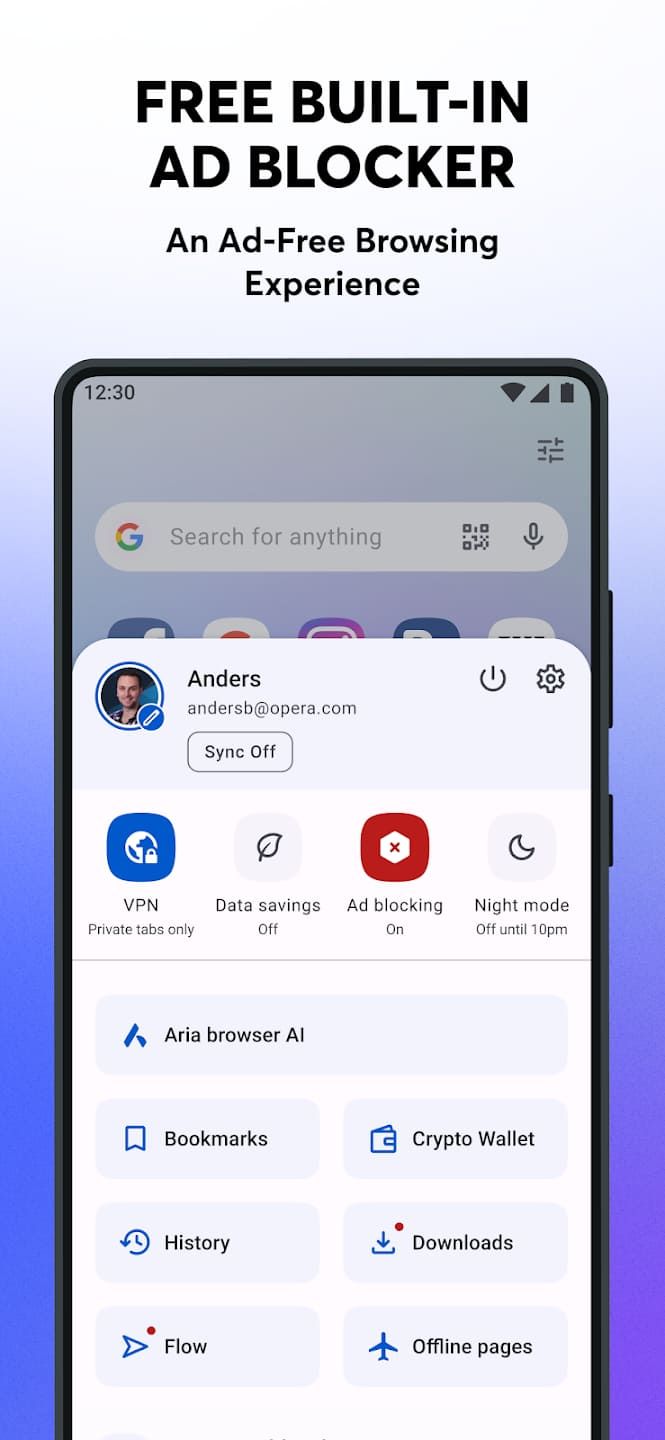
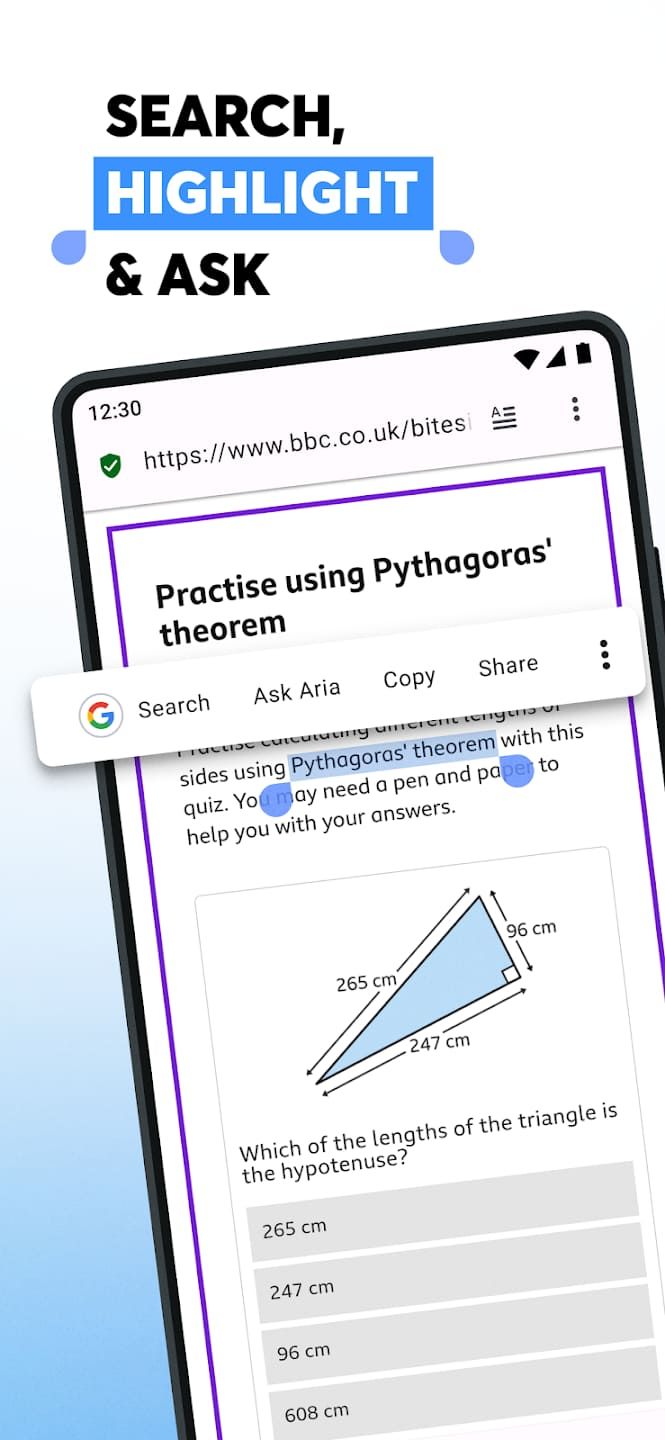
App Store Performance
On mobile platforms, Opera maintains a strong reputation. The Opera browser for iOS holds a solid rating, with users frequently praising its speed and clean layout . However, recent updates have drawn criticism for removing convenient gesture controls, such as the swipe-to-close tab function, and persistent bugs regarding GDPR cookie consent pop-ups. On Android, the beta version enjoys an impressive 4.69-star rating, with users highlighting the browser's reliability and smooth performance, though some note issues with VPN connectivity and UI changes .
Features
1. Page Summaries & Research: Instantly summarize long articles or compare content across tabs .
2. Video Analysis: AI can analyze YouTube videos to provide summaries or find specific moments .
3. File & Image Analysis: Upload spreadsheets, PDFs, or images for AI-driven analysis and Q&A .
4. Voice Input/Output: Speech-to-text and text-to-speech capabilities for accessibility and multitasking .
5. Wallpaper Generation: Create custom wallpapers for desktop or mobile using text prompts .
Pros And Cons
Pros:
1. Deep Contextual Integration: Unlike ChatGPT, Opera’s AI sees what you see. It doesn't just guess the content of a page, it reads the live tab to provide accurate summaries and answers .
2. Privacy Focused: Opera AI does not send your general browsing history to its engine, and you have toggle controls to disable page access at any time .
3. All-in-One Utility: The shift to a side panel means you don't lose your place to ask a question. You can generate an image or analyze a PDF without navigating away from your current site .
4. Free Access: While Neon costs money, the Opera AI features in Opera One, GX, and Android are completely free and require no account .
Cons:
1. The Neon Confusion: The dedicated Neon browser is criticized for being fragmented. It splits AI into three modes, and users often struggle to know which tool to use for which task .
2. Agentic Unreliability: The Do agent is often slower and less accurate than doing tasks manually. Tests showed it failing to properly interact with Google Sheets or adding incorrect items (funerary wreaths) to shopping carts .
3. High Cost for Neon: At $20 per month, Neon is a tough sell when competitors offer similar agentic features for free or lower prices .
4. Mobile Bugs: iOS users report that the ad-blocker is weakening, and the removal of swipe gestures has made tab management clunkier.
Reviews
User feedback is polarized between the standard browser and the Neon experiment. Mainstream users love the standard AI integration. One iOS user notes the browser is V fast, simple layout, appreciating the Flow feature for syncing . Android users echo this, calling the beta browser excellent and fast .


Ratings and Reviews
 Write a Review
Download Leaderboard